
Tripadvisor’s Review Collection Platform (RCP) provides an easy way for hotels, restaurants and attractions to collect reviews from customers. The partner will host a Tripadvisor review form within a landing page of their own website. The guest will be directed to this page via a link in a post-stay email, SMS or QR code.
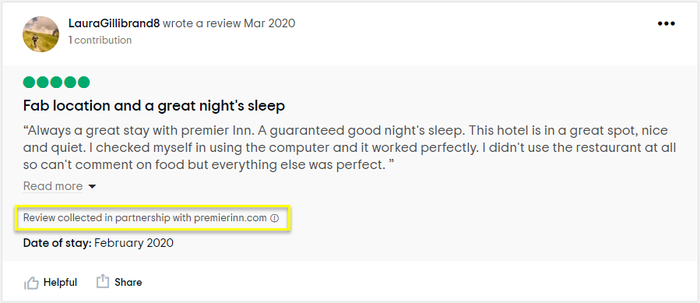
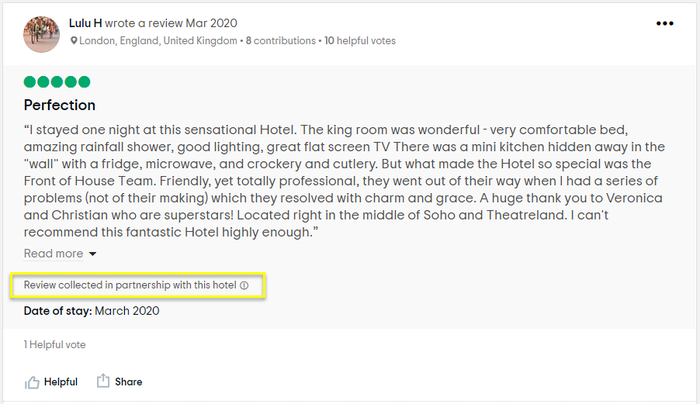
When the guest writes their review, it will be submitted to Tripadvisor and subjected to exactly the same fraud/moderation processes as if the guest had visited www.tripadvisor.com independently. As long as the review meets Tripadvisor guidelines, it will be published to the business’ Tripadvisor page and tagged as “collected in partnership with [brand]” or “collected in partnership with this [hotel/restaurant/attraction].
Process:
Post stay communication > Landing page/Review collection widget > Review submitted to Tripadvisor > Thank you page & email > Review moderation > Review published on Tripadvisor
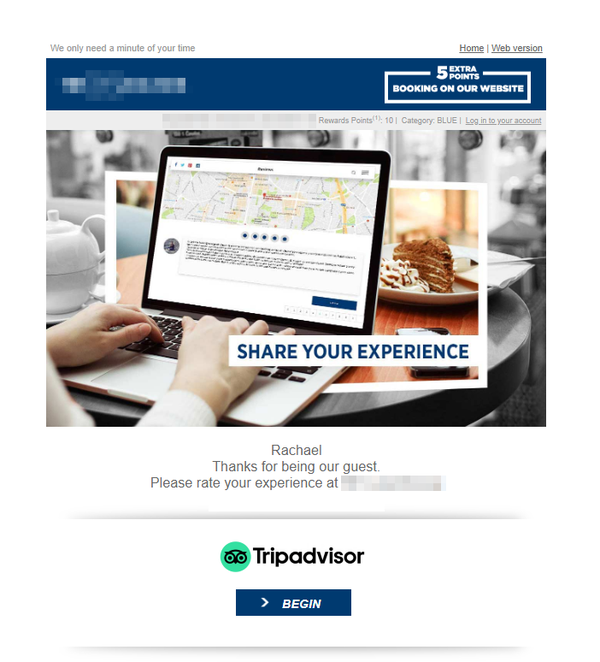
Partner sends post stay email to guest, normally 1-3 days after their stay/visit. Within the email is an introductory sentence, along with a link to a landing page on the partner’s site. Please see Post Trip Communications Guidelines for information on email Best Practices: https://developer-tripadvisor.com/partner/rcp/post-trip-communication-ptc-guidelines/
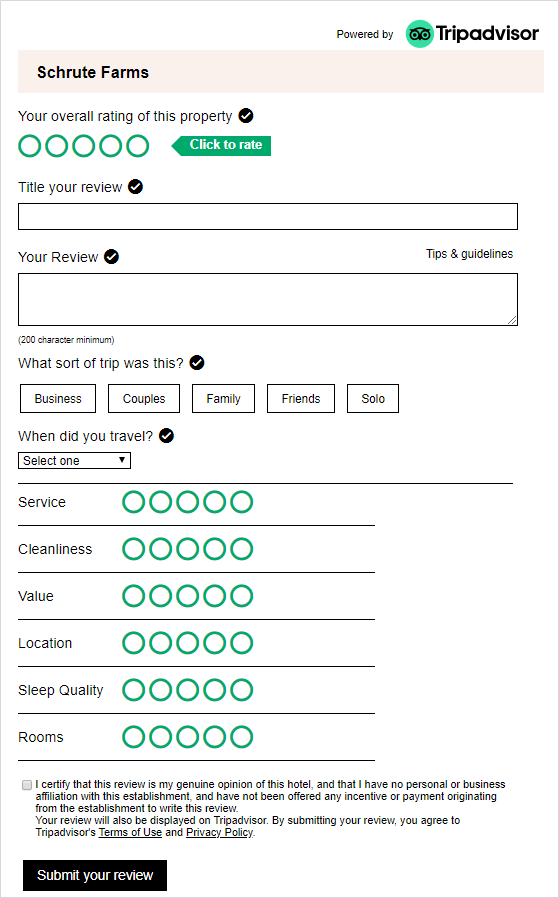
When the guest arrives at the landing page, the review collection widget below should ideally be hosted within an iframe. If this is not possible, it is acceptable to link directly to the widget URL.
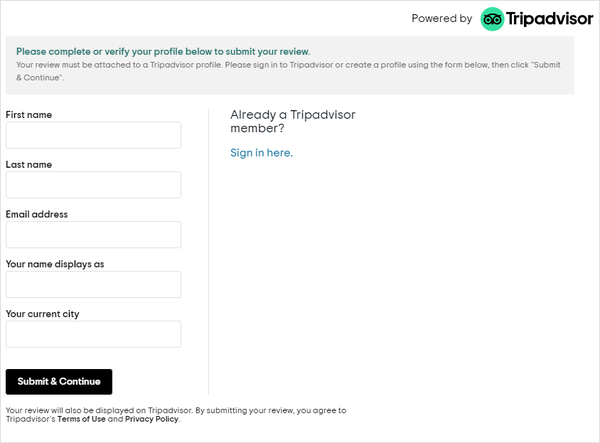
When the guest finishes writing their review and clicks "Submit your review", the below popup will appear, where they will need to complete their personal details. Note that Tripadvisor does not accept anonymous reviews, so all guests must complete this step.
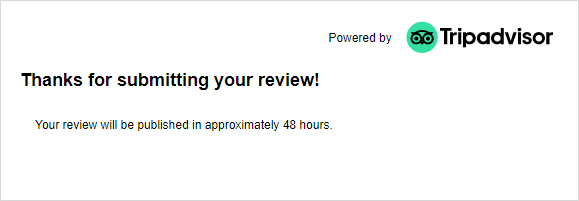
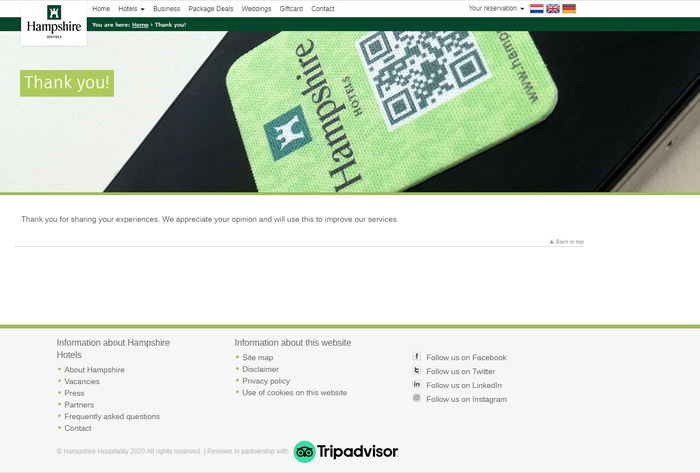
After the guest has completed the review they will either see the standard Tripadvisor thank you page…
…or the widget can be configured to redirect the guest to partner’s page of choice
The guest will also receive an email directly from Tripadvisor to thank them for submitting their review: (This can be cobranded with partner logo subject to approval by your Account Manager).
All reviews submitted to Tripadvisor pass through moderation and fraud checks. An overview of Tripadvisor’s review guidelines can be found here:
https://www.tripadvisorsupport.com/hc/en-gb/articles/200614797
Once the review has been approved, it will be published on Tripadvisor. It can either be tagged with a “generic” partnership attribution, or with the brand of the Partner:
(Please note, only one attribution per configuration. Multiple sub-brands will require multiple widgets. Partner will only be permitted to display branding when it is a B2C brand).
The guest receives one further email from Tripadvisor to let them know the review has been published.