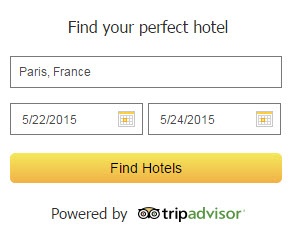
This widget provides a simple interface for users to enter a location and travel dates. A new window opens with a dated search for that city on Tripadvisor. The widget does not support country searches (i.e. France). The widget fits into a 300x250 space and has several configurable options such as choosing a default city or date range, language, optional border, and transparent background.
| Configuration Option | Description |
| Language | Indicates which languages the partner should be configured for. Unsupported: ar, iw, zh_CN |
| Show Headline | Display the headline "Find the perfect hotel". |
| Default Location | Choose a default location for the search. Must be a valid Tripadvisor geo ID, or can be left blank. |
| Default Dates | Configure default Check In and Check Out dates, show next weekend's dates, or show "Check In" and "Check Out" copy. Dates format is localized according to chosen language. |
| Background Color | Transparent or white background. |
| Show Border | Optional black border around the widget |
Partner widgets are intended to be displayed in an iframe on the partner site. A sample iframe with a widget invocation might look like:
<iframe src="http://www.tripadvisor.com/WidgetEmbed-cdshotelsearch?
display=true&partnerId=PARTNER_KEY&lang=en_UK&locationId=34515</iframe>
All widget URLs include the /WidgetEmbed Tripadvisor page followed by the key value for the widget being requested. This is followed by a question mark and the key/value pairs of URL parameters. URL parameter settings are consistent across all wdigets. The following optional parameters apply to this widget:
| Option Name | Description |
| partnerId | Required. The partner key provided by Tripadvisor to allow partner access to widgets. |
| locationId | Optional. This is the default Tripadvisor geo ID for the search. |
| lang | Optional. The language in which to display the widget. |
| checkin |
Optional. This defaults the Check In date for the search. Formatted as YYYYMMDD. Example Format for December 22, 2014 would be: &checkin=20141222 |
| checkout |
Optional. This defaults the Check Out date for the search. Formatted as YYYYMMDD. Example Format for December 29, 2014 would be: &checkout=20141229 |
| flex=true |
Optional. Will automatically resize widget based on the size of the iframe. |
This widget is a fixed 300x250 pixels. You can use &flex=true URL parameter to dynamically resize the widget based on the iframe.
Headline, no border, pre-configured dates and city
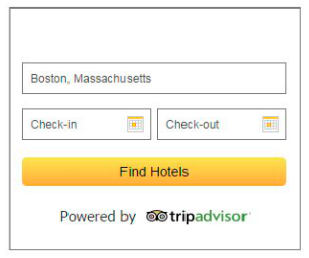
Border, no headline, pre-configured city
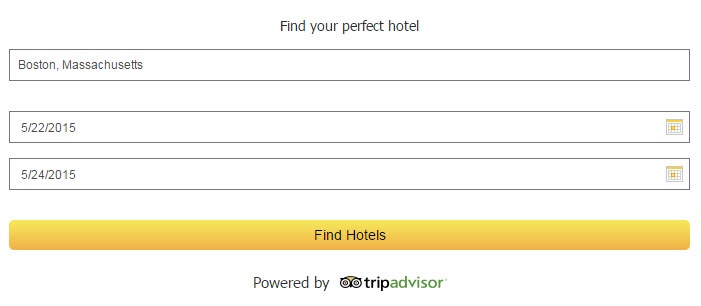
Borderless, flexible size
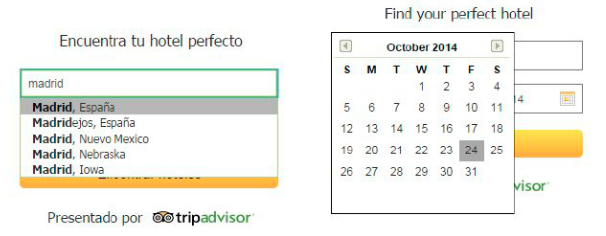
Localized typeahead search results & calendar
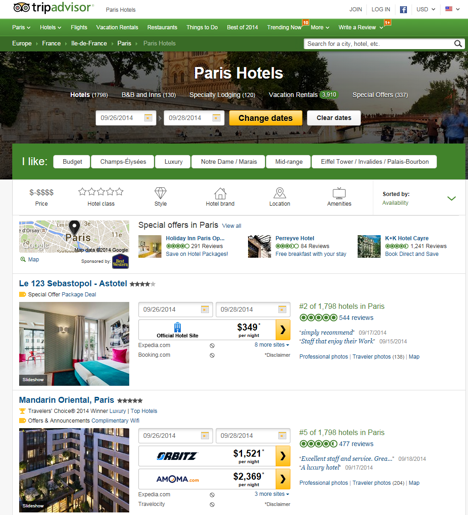
Example Geo search results page on TripAdvisor. Note: The design of this page is regularly optimized and is subject to change.