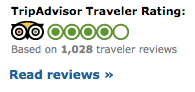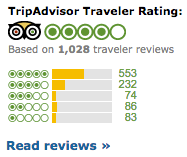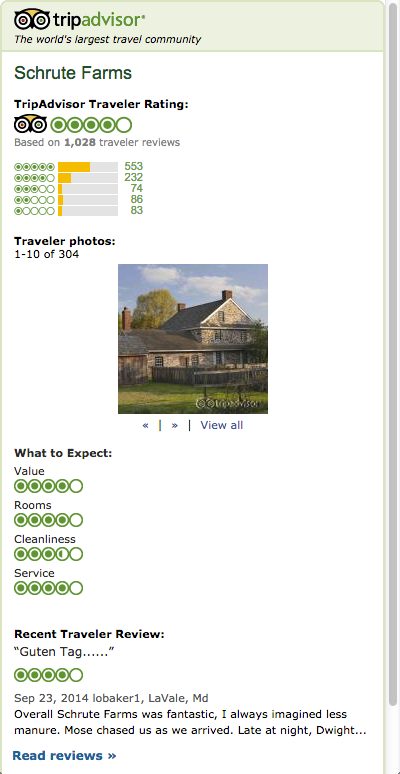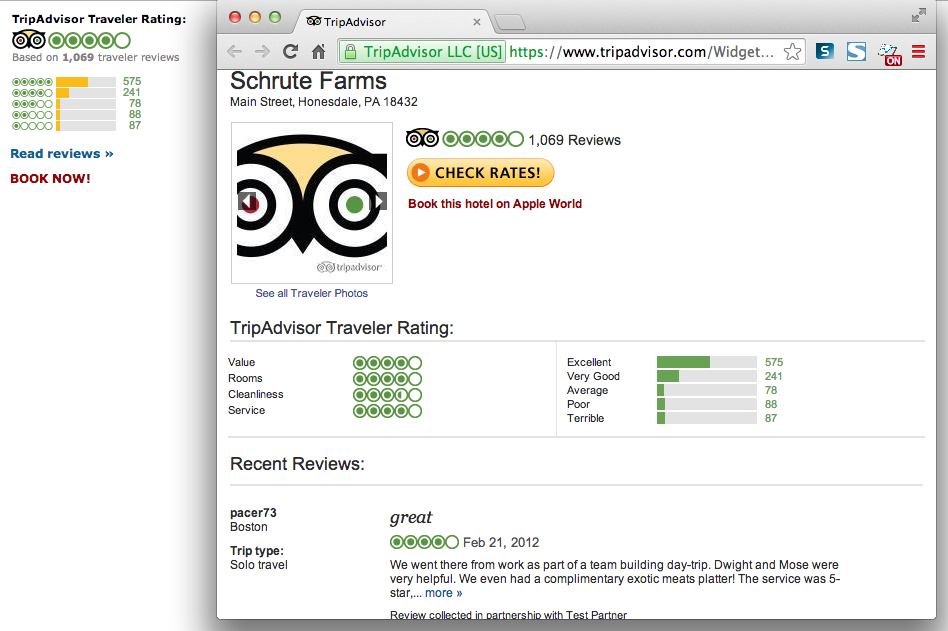
Summary widgets display several property features including name of property, overall traveler rating, popularity, and recent traveler reviews. It is possible to configure a Summary widget to open up to the Property Detail Widget.
Options described below are available in the Summary widget.
| Option Name | Description |
| Show TA Title Bar | Include Tripadvisor logo and tagline. True/false. |
| Show Property Name | Include property name within the widget. True/false. |
| Read Reviews link | Configuration of link at the bottom of the Summary widget that invokes the Detail widget for that property. Values are "popup" (open link in a popup), "new" (open link in a new window), or "disabled" (no link shown). |
| Show Traveler Rating | Include overall traveler rating. True/false. |
| Show Rating Breakdown | Include chart breaking down number of reviews by rating. True/false. |
| Show Photos | Include candid property photos taken by travelers. True/false. |
| Show Recommendations | Include "What to Expect" rating categories. True/false. |
| Number of Reviews |
Number of review titles or review text snippets to display. Options are 0, 1 review snippet, or 3 review titles. |
| Color Options | Partners may provide a widget background color, an iframe background color (for areas of the iframe outside the widget, if any), and choose whether or not to have a border around the widget/iframe. |
| Banner Ad URL | Partner can provide a URL pointing to a page serving up ads. Ads should be 728x90 pixels in size and the page should have no additional formatting - just the ad in the top left corner of the page. |
Partner widgets are intended to be displayed in an iframe on the partner site. A sample iframe with a widget invocation might look like:
<iframe src="http://www.tripadvisor.com/WidgetEmbed-cdspropertysummary?display=true&
  partnerId=PARTNER_KEY&lang=en_US&  locationId=224948"width="240" height="510" scrolling="no"
frameborder="0"allowtransparency="true" marginheight="0" marginwidth="0"
style="vertical-align:top;"></iframe>
All widget URLs include the /WidgetEmbed Tripadvisor page followed by the key value for the widget being requested. This is followed by a question mark and the key/value pairs of URL parameters. URL parameter settings are consistent across all widgets.
| Option Name | Description |
| partnerId | Required. The partner key provided by Tripadvisor to allow partner access to widgets. |
| locationId | Required. This will be the ID of the property requested. This value can be either a TA ID or a partner ID if TA has done a property mapping. Plain text is supported. |
| lang |
Optional. The language in which to display the widget. We also offer a zh_CN version of this widget that redirects to daodao.com |
| tripType |
Optional. This filters the reviews that are displayed by trip type. Options are 1, 2, 3, 4, 5, 0.
|
Partners can implement the Property Summary Widget on their page, and can configure that widget to have a "Read Reviews" link that pulls up the Property Detail widget in a popup/new window.